Budget Smart Home: The Best System Under $5,000
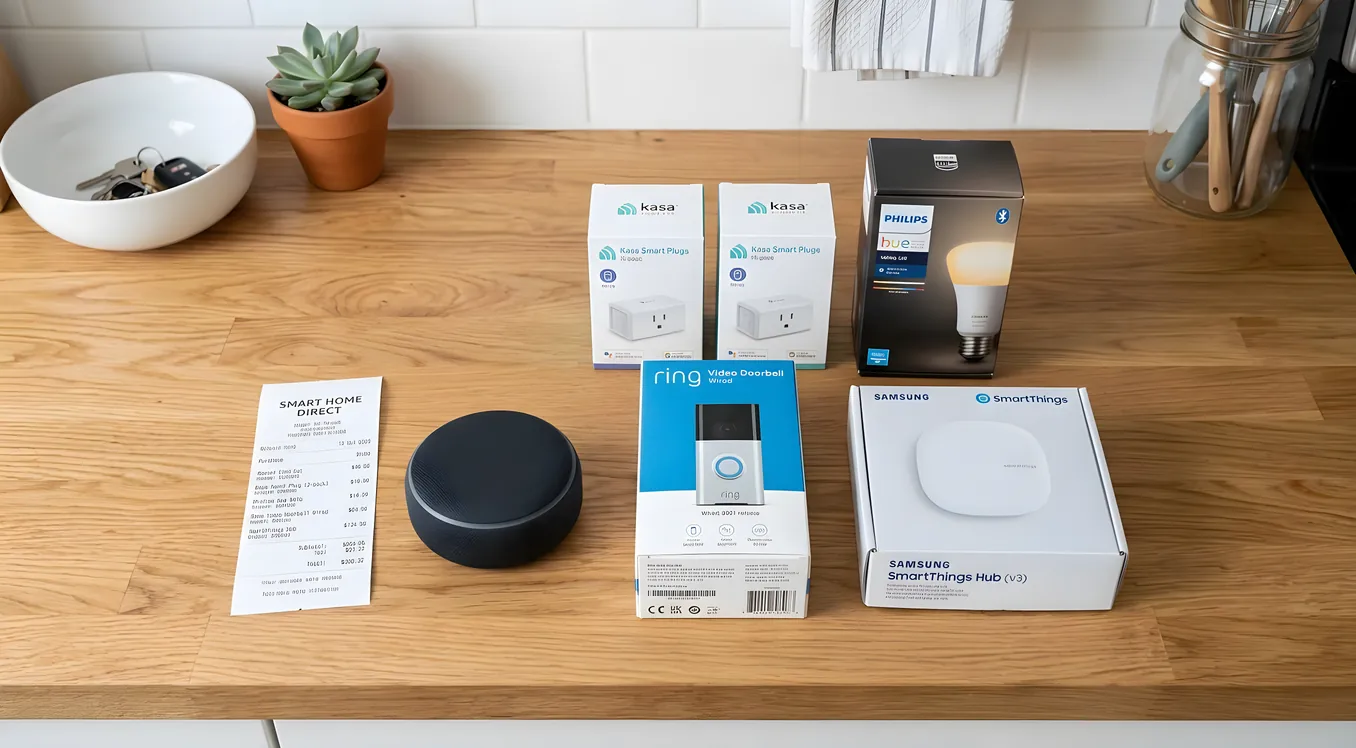
Five thousand dollars sounds like a lot until you start pricing what you actually want. A proper Control4 or Savant installation with motorized shades, whole-home audio, and a professional touchscreen can run $30,000 to $80,000 before labor. That is not the conversation here. This guide is for homeowners who want a genuinely capable smart home system that covers the things that matter most, works reliably, and does not require a $500/hour integrator to change a light scene.
The good news: the sub-$5,000 category is not a compromise category anymore. The platforms have matured. The hardware is better. And the gap between a well-planned DIY or semi-pro install and a full professional system is narrowing every year.
What you get for $5,000 is not a whole-home luxury automation system. What you do get is reliable smart lighting in every room, a capable thermostat, a solid security layer, whole-home voice control, a decent media experience, and an architecture that can scale up later without starting over.
Here is how to spend that budget intelligently.
Start With the Platform Decision
The biggest mistake people make with budget smart home builds is buying hardware first and figuring out the platform later. If you buy a Nest thermostat, a SmartThings hub, three Amazon Echo dots, and a Lutron Caseta bridge before you decide how they will all talk to each other, you end up with four apps, three accounts, partial automations that break when one cloud service changes its API, and a system that impresses nobody.
Pick a platform before you buy a single device.
At the sub-$5,000 budget, the realistic platform options are:
Apple Home (HomeKit) works best if everyone in the house is on iPhone and you are committed to the Apple ecosystem. It runs locally on an Apple TV 4K or HomePod Mini acting as a home hub, which means automations fire even when the internet is down. The hardware compatibility list has grown substantially through the Matter standard. Downsides: Apple Home has less robust automation logic than some alternatives, and third-party device compatibility is still narrower than Google or Amazon ecosystems.
Google Home with Google Nest is the right choice if your household is Android-heavy or if you are already invested in Google services. The Google Nest Hub Max ($230) is a better kitchen/living room controller than anything Apple offers at this price. Automation capabilities have improved, but Google Home has a history of product discontinuation that should give thoughtful buyers some pause (Google Stadia, Nest Secure, etc.).
Amazon Alexa with Amazon Echo is the widest-compatibility platform at this price point. Virtually every budget smart home device on the market supports Alexa. Alexa Routines have gotten more capable, and the Amazon Echo lineup gives you a physical controller in every room cheaply. If you are not sold on Apple or Google, start here.
Home Assistant is the technically-minded homeowner’s choice. It is free, open-source, runs on a Raspberry Pi 5 ($80) or a dedicated Supervisor-compatible device, keeps all data local, and supports more devices than any other platform by an enormous margin. The tradeoff is setup complexity. Home Assistant is not a plug-and-play system. If you are comfortable with Linux, YAML configuration files, and the idea of spending a weekend getting automations working correctly, Home Assistant gives you more capability per dollar than any commercial platform. If you are not, skip it.
For most homeowners building a first serious smart home on this budget, the recommendation is: Alexa as the voice layer and primary controller, with either Apple Home or Google Home as a secondary layer depending on your phones, and smart devices chosen for Matter compatibility to maximize future flexibility.
Budget Allocation: Where the Money Should Go
Here is a realistic allocation for a 2,000 to 3,000 square foot home:
| Category | Budget Allocation |
|---|---|
| Smart lighting (switches + dimmers) | $800 to $1,200 |
| Smart thermostat | $150 to $300 |
| Security (cameras + doorbell + locks) | $600 to $1,000 |
| Voice controllers (Echo devices) | $200 to $400 |
| Hub and networking | $150 to $300 |
| Smart speakers / basic audio | $200 to $400 |
| Miscellaneous sensors, accessories | $150 to $300 |
| Total | $2,250 to $3,900 |
That leaves $1,100 to $2,750 of headroom in a $5,000 budget, which you can apply to professional installation help, motorized shades in one room, or a more capable audio setup. The allocation above keeps the essentials in reach and leaves flexibility.
For a deeper look at how costs scale across system tiers, the Smart Home Cost Breakdown: What Systems Actually Cost in 2026 is worth reading before you finalize your plan.
Lighting: The Highest-Leverage Investment
Lighting automation is where budget matters most and where most people underinvest. A smart thermostat that knows you are away is useful. Smart lighting that sets the right mood, turns off automatically, and works with a single voice command changes how you live in your home every day.
At this budget, the choice for most homes is between Lutron Caseta and Leviton Decora Smart.
Lutron Caseta is the clear winner for reliability. The Caseta system uses Lutron’s proprietary Clear Connect RF protocol, which operates at 434 MHz and does not share spectrum with Wi-Fi or Bluetooth. This is why Caseta switches just work: they do not drop off the network, they do not need a cloud server to operate, and the response time between pressing a button and the light changing is under 100 milliseconds. The Lutron Smart Bridge Pro 2 ($80) is required for integration with Alexa, Google, Apple Home, and home automation systems. Individual Caseta Dimmers (PD-6WCL) run $45 to $60 each. A 10-switch installation (enough for most main living areas) lands at roughly $500 to $650 for switches plus $80 for the bridge. That fits comfortably in the $800 to $1,200 lighting budget.
Leviton Decora Smart Z-Wave switches (D26HD, DW6HD) run $25 to $40 each and require a Z-Wave hub but give you a locally-controlled system that integrates deeply with Home Assistant and SmartThings. If you are going the Home Assistant route, Leviton with a Z-Wave USB stick (Zooz ZST10 800, $29) gives you more automation flexibility than Caseta at a lower per-switch cost.
Avoid Wi-Fi smart bulbs (Wyze, Govee, cheap Tuya-based products) as your primary lighting strategy. They are fine for accent lighting or a lamp or two, but switching to smart bulbs in every fixture means losing local control every time the power is cut at the switch, and you end up telling houseguests not to touch the wall switches. Smart switches and dimmers solve this permanently.
Thermostat: ecobee or Nest, Not Both
You need one smart thermostat. The debate between ecobee and Nest has been running for a decade. Here is the short version:
The ecobee Smart Thermostat Premium ($250) has a built-in Amazon Alexa speaker, a room sensor in the box (SmartSensor, $35 when purchased separately), and works with every major platform including Apple Home, Google Home, Alexa, SmartThings, and Home Assistant. If your HVAC system has a C-wire (common wire), installation is straightforward. If it does not, ecobee includes a Power Extender Kit that works with most systems. The room sensor feature is genuinely useful: it averages temperature across multiple rooms instead of just sensing at the thermostat location, which matters if your thermostat is in a hallway and your bedrooms run hot.
The Google Nest Learning Thermostat (4th Gen) ($280) has better industrial design and learns your schedule passively over the first week, which some people find more intuitive than programming schedules manually. It integrates deeply with Google Home. It does not include room sensors.
For most homeowners at this budget level: ecobee for the room sensor, Alexa integration, and flexibility. Nest if you are building a Google-centric home and care about the aesthetic.
Security: Camera, Doorbell, Lock
Security is where budget systems historically showed their weaknesses. That gap has largely closed.
Video doorbell: Ring Video Doorbell Pro 2 ($170) or Google Nest Doorbell (Wired, 2nd Gen, $180). Both require a wired connection for best performance. Both have excellent app experiences and integrate with their respective ecosystems. The Ring Pro 2 has a head-to-toe 1536p video ratio that captures packages at your feet and faces at eye level simultaneously, which is a genuinely useful real-world feature. Ring integrates with Alexa natively (Alexa can announce when someone rings, show the camera feed on an Echo Show). If you are Google-centric, the Nest Doorbell is the better choice.
Security cameras: Two to three cameras cover most homes adequately. Arlo Pro 5S ($200 each) are the benchmark for image quality and integration versatility. They support Apple Home, Google Home, Alexa, and local USB storage via Arlo’s SmartHub. For a tighter budget, Wyze Cam v4 ($36 each) sacrifices integration flexibility for price. Eufy SoloCam S340 ($100) hits a reasonable middle ground with no mandatory subscription.
Smart locks: Schlage Encode Plus (BE489WB, $300 to $350) for a Wi-Fi smart lock with Apple Home Key support and BHMA Grade 2 certification. Yale Assure Lock 2 with Z-Wave ($150 to $200) if you want the lock tied into a broader home automation hub rather than running independently.
Avoid the temptation to buy a bundled “smart home security kit” from Ring or SimpliSafe and call it done. These kits are good products, but they create closed ecosystems that do not talk to your lighting, thermostat, or voice system without workarounds. Building component by component gives you a more integrated result.
Voice Control: Amazon Echo Placement Strategy
A good voice control deployment means having an Echo device in every room where you would reasonably give a voice command. The kitchen, living room, master bedroom, and a bathroom are the minimum set for most homes.
Echo Dot (5th Gen, $50) handles most rooms. Echo Show 5 (3rd Gen, $90) adds a screen, which is valuable in the kitchen for timers, recipes, and quick doorbell camera checks. Echo Show 8 ($150) is the right choice for a living room or bedroom nightstand where you want a full-screen clock, intercom display, and video calling.
For a 2,000 to 3,000 square foot home: two Echo Dot 5s, one Echo Show 8, and one Echo Show 5 covers the home effectively for about $340.
The Hub Question
If you choose Alexa as your primary platform and stick to devices with direct Alexa integration (Ring, ecobee, Lutron Caseta, Schlage Encode), you do not technically need a separate hub. Amazon’s cloud serves as the integration layer.
The problem is that cloud-dependent automations have latency and a failure mode: when Amazon’s servers have an outage, nothing works. For most people most of the time, this is acceptable. For people who want motion-triggered automations that fire in under a second, or who want the system to keep working during internet outages, a local hub matters.
For a Home Assistant deployment, a Raspberry Pi 5 ($80 for the board, $130 to $150 all-in with case, power supply, and SD card) or a dedicated Home Assistant Green ($99) is the right foundation. For a more plug-and-play local hub, the Hubitat Elevation C-8 Pro ($149) supports Z-Wave, Zigbee, and Matter locally without requiring cloud access for automations.
If you are building on Lutron Caseta, you already have a local hub in the Smart Bridge Pro 2. That covers your lighting locally. Add a Hubitat or Home Assistant for everything else if local control matters to you.
What You Cannot Get for $5,000
Being honest about the limits of this budget category is as important as knowing what it can do.
Professional-grade whole-home audio is not in this budget. Sonos is the entry point for multi-room audio that sounds good and integrates cleanly. A five-room Sonos system with Era 100s runs $2,000 to $3,000 for hardware alone. That is possible within a $5,000 budget if you eliminate most other categories, but you cannot have both full smart home coverage and serious audio at this number. You can have one room of good audio (a Sonos Era 300 at $450, or a pair of Sonos Era 100s for $400), but not a whole-home system.
Motorized shades are expensive. Hunter Douglas PowerView shade motors run $300 to $800 per window depending on the shade style and size. Two rooms of motorized shades will consume most or all of the remaining budget after the essentials above.
Professional-grade control systems (Control4, Crestron, Savant) require professional installation and are priced accordingly. If you are curious what those systems look like and whether they are worth the step up, the Mid-Range Smart Home: $15,000 to $40,000 System Guide covers that territory.
Reliable whole-home Wi-Fi is a prerequisite, not a line item. If your home currently runs on a single ISP-provided router with dead zones, add $200 to $400 for a mesh Wi-Fi system (Eero Pro 6E or TP-Link Deco XE75 Pro) before buying a single smart device. A smart home on a bad network is an unreliable home.
Avoiding the Mistakes That Waste Money
Mistake 1: Buying before planning. Write out every room and every capability you want. Map which devices serve which rooms. Then buy. The number of people who buy three different smart bulb brands, two hubs, and a thermostat that does not integrate with anything else before they figure out their architecture is staggering.
Mistake 2: Skipping the network. Smart home devices are network devices. Every switch, camera, and sensor adds load to your router. Plan your network first. If you have more than 30 smart devices, put them on a separate IoT VLAN. A $60 TP-Link EAP670 access point and a Firewalla Gold Plus ($210) for network management pays for itself in reliability.
Mistake 3: Buying the cheapest possible version of everything. The $15 Tuya Wi-Fi smart switch that requires a Chinese cloud server to function is not a smart home component. It is a liability. Budget for quality in your switches and hubs. Cheap out on Echo Dots (the 5th Gen is fine) and some cameras before you cheap out on switches you will touch every day.
Mistake 4: Ignoring the retrofit question. Before buying switches, confirm your electrical boxes have neutral wires. Most homes built after 1990 do. Older homes sometimes do not. Lutron Caseta is one of the few smart switch lines that works without a neutral wire (it uses a proprietary dimming circuit). If your home is pre-1990, check each junction box before purchasing. This is covered in more detail in Retrofitting a Smart Home: What Works Without Rewiring.
Mistake 5: Planning around a platform that might go away. Amazon, Google, and Apple are not going anywhere. Smaller hubs and voice assistants are riskier. Buying into a hub ecosystem from a company with less than 2 million devices deployed is a bet worth making only if you are comfortable supporting the system yourself when the company discontinues it. This is partly why Home Assistant has such a devoted following: the platform itself is open source and community-maintained, so there is no single company that can shut it down.
Installation: DIY vs Semi-Pro
The majority of a budget smart home install is genuinely DIY-accessible. Replacing a light switch is a 15-minute job if you photograph the existing wiring first. Installing a smart thermostat is similar. Mounting cameras and running their power is the most time-intensive part, especially if you want wired cameras rather than battery ones.
Where it makes sense to spend money on professional help:
- Running low-voltage wiring to camera locations (if you want wired Ethernet-powered cameras)
- Installing a structured media center or patch panel if you want a clean networking setup
- Programming automations in a complex system (if you go Home Assistant, this can be a meaningful time investment)
- Any work inside your electrical panel
If you want to hire a pro for part of the job, the guidance in How to Choose a Smart Home Integrator: Questions, Red Flags, References helps you find someone competent without overpaying for capabilities you do not need.
A Specific $4,200 Build
Here is a concrete example build for a 2,500 square foot, 3-bedroom home:
Platform: Alexa primary, Apple Home secondary via Matter Hub: Lutron Smart Bridge Pro 2 ($80) + Hubitat Elevation C-8 Pro ($149) Lighting: 12x Lutron Caseta PD-6WCL dimmers ($576) + 2x Lutron Pico remotes ($30) Thermostat: ecobee Smart Thermostat Premium + 2 SmartSensors ($320) Doorbell: Ring Video Doorbell Pro 2 ($170) Cameras: 3x Arlo Pro 5S ($600) Lock: Schlage Encode Plus BE489WB ($320) Voice controllers: 1x Echo Show 8, 1x Echo Show 5, 2x Echo Dot 5th Gen ($340) Audio: Sonos Era 100 (living room) ($249) Network: Eero Pro 6E 3-pack ($299)
Total hardware: $3,133
That leaves $867 for additional sensors, a second Sonos speaker, motorized shades in one room, or professional help with wiring. Every major function is covered: lighting control in every room, climate sensing in multiple zones, full video coverage of the exterior, keyless entry, and voice control throughout the home.
Building for the Future
The brands and protocols you choose today determine how painful it is to upgrade in three years. Matter, the cross-platform smart home standard backed by Apple, Google, Amazon, and Samsung, is the long-term compatibility bet. Devices that support Matter can join any ecosystem without cloud bridges or custom integrations.
As of 2026, Matter-certified devices include thermostats (ecobee, Nest), lighting (Nanoleaf, Eve, Meross), locks (Yale, Schlage), and a growing list of sensors. Lutron Caseta does not support Matter natively, but integrates via the Smart Bridge Pro 2 into any Matter controller. Most major camera systems are still outside Matter, relying on proprietary integrations.
The safe strategy: buy Matter-certified devices where available, and for devices that are not Matter-certified (like Lutron), buy from brands that have proven long-term local integration support. Avoid brand-new single-brand ecosystems with limited Matter commitment.
If your home is in a construction or renovation phase, there is meaningful value in pre-wiring before the drywall goes up. A Cat6 run to each camera location, speaker wire in key rooms, and a structured wiring closet cost relatively little during construction and a great deal afterward. Smart Home Pre-Wire: What to Run Before the Drywall Goes Up covers exactly what to ask your electrician to run while the walls are open.
Getting the Most From Your Budget
A $5,000 budget smart home is not a starter system. Planned correctly, it is a fully functional automation layer that covers lighting, climate, security, voice control, and basic audio for an entire home. The gap between this tier and a $30,000 professional installation is real, but it is mostly about elegance, integration depth, and the time you spend maintaining the system rather than having someone else do it.
Spend the first $500 on your network and hub architecture. Spend the next $1,000 on lighting. Get those two things right and every other device you add will work reliably. The homeowners who are frustrated with their smart homes almost always skipped one of those two steps.