Vacation Home Automation: Remote Monitoring and Management
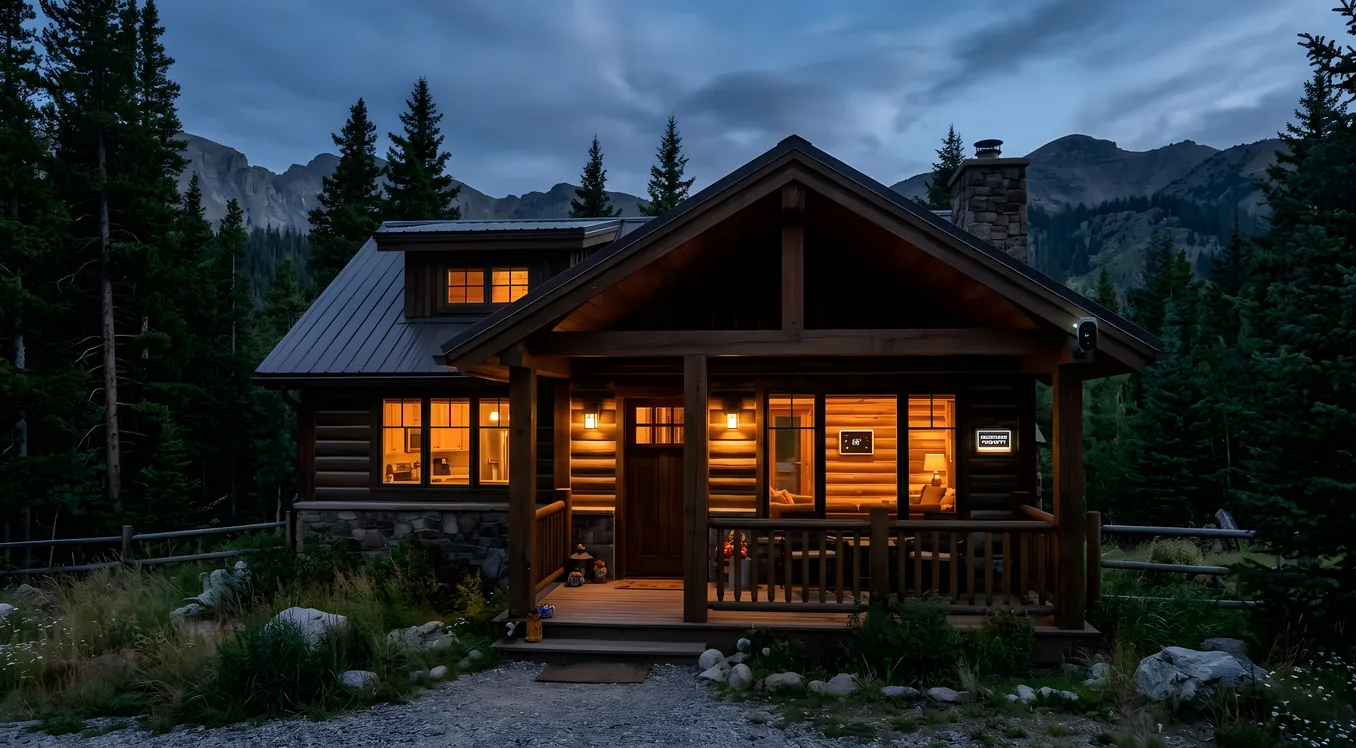
A vacation home is a fundamentally different problem than a primary residence. Your primary home has you in it most of the time, which means you catch the pipe that’s slowly dripping, you notice when the thermostat is acting strange, and you can answer the door when a delivery arrives. Your vacation property has none of those natural error-correction mechanisms. A burst pipe in January can go undetected for weeks. A guest who loses their key becomes a crisis. A refrigerator that fails in August ruins a weekend before you even know anything is wrong.
Automation solves these problems in ways that security patrols and neighbor check-ins cannot. Remote monitoring and control give you real situational awareness of a property you might visit only a dozen times a year. Done right, a vacation home automation system pays for itself in one avoided catastrophe and makes every arrival and departure noticeably smoother.
This article covers the systems that matter most for remote vacation home management, what they realistically cost, how they interact with each other, and where homeowners typically make expensive mistakes.
The Core Problem: You Are Never There
The underlying challenge shapes every decision you make about vacation home automation. When you automate a primary residence, convenience is the primary driver. When you automate a vacation property, reliability and monitoring are the primary drivers.
That shift in priorities changes the calculus on several common smart home choices. A $39 Wi-Fi thermostat might be perfectly adequate in your main house where you can physically reset it if it falls off the network. In a cabin three hours away, that same thermostat failing in February means a frozen pipe before you know anything went wrong. The reliability bar is higher, which usually means spending more and simplifying the system.
The second consideration is network dependency. Almost every modern smart home system requires an internet connection to function fully. Your vacation home’s internet service is probably less reliable than your primary residence: slower speeds, consumer-grade equipment, potentially satellite or cellular rather than fiber or cable. Any system you install needs to handle network outages gracefully and should notify you when the connection drops, not just when there’s a problem inside the house.
Climate Control and Leak Detection: The Priority Systems
Ask any vacation homeowner what keeps them up at night and the answer is almost always water damage. A burst pipe, a failed water heater, a slow leak under a sink: any of these can cause tens of thousands of dollars in damage over days or weeks before you discover the problem. Climate monitoring and leak detection belong at the top of every vacation home automation project.
Smart Thermostats with Remote Access
For a vacation property, the minimum viable thermostat is one with cellular backup. The ecobee SmartThermostat Premium ($249) and Nest Thermostat E ($129) both include remote access via smartphone apps, but they depend entirely on your Wi-Fi connection. When the router reboots or the ISP goes down, you lose visibility and control.
Thermostats with built-in cellular backup solve this. The Venstar ColorTouch with Add-A-Wire adapter can integrate with monitoring services that use cellular check-ins. For serious vacation home applications, many integrators install the ecobee3 lite paired with a cellular backup module from a monitoring service, providing a secondary connection path independent of the home’s internet.
The practical configuration for a vacation home differs from a primary residence. Rather than daily schedules, you want:
- A “setback” temperature that protects the home when unoccupied (typically 55F in winter, 82-85F in summer)
- Remote control to pre-condition the home before arrival
- Alerts when temperature drops below or rises above thresholds
- Integration with your arrival/departure so the system knows when to switch modes
Ecobee’s vacation scheduling mode handles this reasonably well. Nest’s “Home/Away Assist” learns from phone presence, though the auto-switching can be unreliable when you want manual control over a property 400 miles away.
Water Leak Detection
Leak sensors are among the highest-return investments in any vacation home. The hardware is inexpensive: Govee water sensors run $8-15 each, the Moen Flo Smart Water Monitor retails around $500 including professional-grade leak detection, and Phyn Plus Smart Home Water Assistant is around $699 with automatic shutoff capability.
For a vacation property, automatic shutoff is worth serious consideration. The Flo by Moen includes a motorized valve that closes automatically when it detects a leak, requiring no human action. At roughly $500 for the monitor plus $200-400 for professional installation of the shutoff valve, this is one of the more defensible expenditures in vacation home automation. A single avoided water damage claim, with average residential water damage running $10,000-15,000, returns the investment many times over.
Placement matters. Sensors should go under every sink, near the water heater, in the mechanical room, near the dishwasher, and in any basement or crawl space where water intrusion is possible. For a typical vacation home with two bathrooms and a kitchen, budget for 8-12 sensors plus the main line shutoff if you choose that option.
Remote Access and Security
A vacation property needs controlled access for guests, cleaning crews, rental turnover, and repair contractors. Physical keys are a management nightmare. Smart locks eliminate the nightmare.
Smart Lock Selection for Vacation Homes
The keypad deadbolt is the workhorse of vacation rental and vacation home access management. Schlage Encode Plus ($289) and Yale Assure Lock 2 ($199-249 depending on configuration) both offer built-in Wi-Fi (no hub required), multiple access codes, and code scheduling. You can create a guest code that activates at 3pm on Friday and expires at noon on Sunday without being anywhere near the property.
For rentals or properties with frequent turnover, systems with automated code management save significant administrative time. The August Smart Lock Pro ($229) pairs with its own Connect bridge and integrates directly with vacation rental platforms including Airbnb and VRBO through the Hospitable or OwnerRez middleware. When a booking comes in, a guest code is automatically generated, sent to the guest, and set to expire at checkout. No manual intervention required.
One practical note on Wi-Fi locks for vacation properties: they depend on your internet connection. If the router goes down and a guest arrives, the keypad still works for any codes already loaded. But you lose the ability to add, remove, or modify codes remotely until connectivity restores. For properties with unreliable internet, a Z-Wave lock paired with a hub that has cellular backup handles this better, though it adds cost and complexity.
Security Cameras and Monitoring
Exterior cameras are the other security layer that matters most for a property you visit infrequently. For vacation homes, the relevant questions are slightly different than for primary residences: you care less about recording every motion event and more about knowing when something unusual is happening.
Ring Stick Up Cam Plug-In ($99) and the Arlo Pro 4 ($199 per camera) both offer solid outdoor coverage with smartphone alerts and remote viewing. For a vacation home without existing infrastructure, wireless cameras with rechargeable batteries (Arlo Pro 4, Blink Outdoor) avoid the need for any electrical work, though they require occasional battery swaps.
Hardwired PoE (Power over Ethernet) cameras are substantially more reliable for a property you can’t easily visit to swap batteries. Reolink’s RLC-810A runs about $55-70 per camera and connects via a single Cat6 cable that handles both power and data. A small NVR (Reolink’s 8-channel unit is around $180) stores footage locally, giving you a 30-60 day video history without cloud subscription fees. For guidance on the full landscape of security camera storage options, see the broader discussion at smart home security camera storage comparison.
For vacation properties, exterior camera placement priorities: the driveway or approach (know when someone arrives before they reach the door), any outbuildings or detached garages, and ideally the backyard or dock area for waterfront properties.
Lighting and Energy Management
Lighting automation at a vacation home serves two purposes that have nothing to do with convenience: security through occupied-looking lighting patterns when the home is empty, and energy management through eliminating phantom loads and HVAC waste.
Occupancy Simulation
A home that looks the same every night for three months looks unoccupied to anyone paying attention. Simple timer-based lighting on random patterns creates enough variation to significantly deter opportunistic property crime. Lutron Caseta dimmers ($59-79 per switch) are among the most reliable smart switches in the market, work on most residential wiring without neutral wires, and include Lutron’s Caséta app for remote control and scheduling. Their reliability track record over 10+ years makes them a reasonable choice for a property where you won’t be present to troubleshoot.
The Lutron Smart Bridge Pro ($180) adds full integration with other smart home platforms and enables scheduling sophisticated enough for occupancy simulation. Set hallway lights to come on at 9pm, dim living room lights at 10:30pm, turn everything off by 11pm, and vary it slightly day by day. Combined with exterior lighting that responds to sunset automatically, this is more than adequate deterrence for most vacation home situations.
Energy Monitoring and Cost Control
Leaving appliances running in a vacation home you won’t visit for eight weeks is wasteful and occasionally dangerous. Smart plugs with energy monitoring let you identify what’s drawing power and shut down anything that shouldn’t be running.
Kasa EP40 outdoor smart plug ($27) handles exterior applications. TP-Link Kasa KP125M (about $25 for a 3-pack) handles interior loads. For whole-home energy visibility, the Emporia Vue 2 energy monitor ($99 installed by an electrician) gives real-time circuit-level power consumption data, letting you see exactly which circuits are drawing power at your vacation home from your phone at home.
Practically, this means you can verify the HVAC isn’t running at full capacity while the home is unoccupied, confirm the hot tub heater isn’t cycling all week when nobody is there, and catch any loads that shouldn’t be on.
Internet and Network Infrastructure
Everything else on this list depends on a working internet connection at your vacation property. This is often the weakest link in vacation home automation, and it deserves deliberate planning rather than an afterthought.
Reliable Internet Options
For a vacation home in an area with cable or fiber service, a standard ISP connection works. The single most important upgrade is a router that you can reboot remotely. The Eero 6 (about $89) and Netgear Nighthawk routers with remote management both allow remote restarts from a smartphone app when the connection drops. This alone solves a significant percentage of remote automation outages.
For properties in rural areas or where service reliability is poor, cellular backup deserves serious consideration. The Netgear LB1120 ($150) provides 4G LTE backup for broadband, switching automatically when the primary connection fails. More elegant solutions from Cradlepoint or similar enterprise vendors exist for properties where connectivity is critical and budget is less constrained.
Starlink has become a meaningful option for vacation properties in areas without reliable cable or DSL. At $599 hardware plus $120/month residential service, it provides 100-250Mbps speeds in most locations and handles most smart home traffic reliably. For remote lakefront or mountain properties that previously had no good connectivity options, Starlink has enabled vacation home automation that simply wasn’t practical before.
Smart Home Hub Selection
For a vacation home with more than a handful of devices, a central hub simplifies management and adds resilience. Rather than managing five separate apps for thermostat, locks, cameras, lighting, and leak sensors, a hub creates a single interface and enables devices to react to each other.
SmartThings Hub (Samsung) at $99, Hubitat Elevation at $149, and the Lutron Smart Bridge Pro at $180 represent the middle-market options. Hubitat’s particular advantage for vacation homes is local processing: automations run even when internet is down, which makes critical functions like thermostat setback and water leak response work regardless of connectivity. For a vacation property where internet reliability is uncertain, local processing isn’t optional.
For homeowners investing $15,000-50,000+ in a vacation home automation system with professional installation, platforms like Control4 or Savant offer dealer-installed systems with cellular monitoring, professional remote management, and the kind of reliability engineering that consumer-grade systems don’t match. These are appropriate when the vacation property itself represents significant value and the cost of a system failure (frozen pipes, an unmonitored break-in) justifies professional-grade infrastructure. Understanding the full cost implications before choosing a platform tier is worth reading through smart home cost breakdown to calibrate expectations.
Professional Installation vs. DIY at a Distance
The vacation home context changes the DIY vs. professional installation calculus substantially. At your primary residence, you can iterate on a smart home system: install something, see how it works, swap components, troubleshoot in person. At a property three hours away, every installation failure means a trip to fix it, or a system that doesn’t work until your next scheduled visit.
Consumer-grade systems (Kasa, Govee, Ring, ecobee, Lutron Caseta) are designed for homeowner installation and generally work reliably. Pairing these devices with a capable hub and taking time on the setup pays dividends at a property you can’t easily revisit.
For anything involving electrical work (hardwired cameras, adding circuits, running ethernet), professional installation at the outset is almost always worth the cost. The hourly rate for a local electrician ($100-175/hour in most markets) is a bargain compared to a round trip to fix a self-installation problem.
If you’re starting from scratch with a vacation property and want to understand what infrastructure to run before finishing work, the guidance at smart home pre-wire planning applies directly to renovation projects as well. Running Cat6 to camera locations and low-voltage conduit to thermostat locations during any wall-open moment pays back far more than the material cost.
For existing properties with finished walls, the picture is different: many high-value vacation home automation systems require no rewiring at all. The retrofit smart home guide covers specifically which systems work well without opening walls.
If you want professional management of the system once installed, working with a smart home integrator rather than managing vendors separately makes sense above a certain complexity threshold. The questions to ask and red flags to watch for are covered in detail at how to choose a smart home integrator.
Monitoring Services and Remote Management
Beyond the equipment itself, consider whether you want professional monitoring. At a vacation property, professional monitoring adds a layer of human response that pure DIY systems don’t provide.
Several monitoring services are worth knowing about:
- Noonlight integrates with Ring, SimpliSafe, and SmartThings, providing dispatch services for $10/month
- Scout Alarm monitoring starts at $19.99/month with cellular backup on their own panel hardware
- Alarm.com is the professional-grade monitoring backbone behind many integrator-installed systems, with advanced rule engines and two-way video verification
For most vacation homeowners, push notifications handled correctly provide adequate response capability. The key is making sure your alert routing is set up so that a pipe leak at 3am wakes you up rather than waiting in an app notification you’ll see at 9am. Critical alerts (water leak, low temperature, smoke detector) should route to both push notifications and text messages, with escalation to a second contact if you don’t respond.
Realistic Budget Ranges
A baseline vacation home monitoring setup, covering the most important failure modes, falls in predictable ranges:
Minimum viable monitoring ($800-1,500): Smart thermostat with remote access, 8-10 water leak sensors, two exterior cameras, smart lock on main entry, and remote-rebootable router. Assumes DIY installation and no hub.
Full-featured remote management ($3,500-7,000): Lutron Caseta lighting throughout, whole-home energy monitoring, water main shutoff valve, full exterior camera coverage with local NVR, multiple smart locks, leak detection throughout, cellular backup router, and a capable hub like Hubitat or SmartThings. Includes basic professional installation of cameras and electrical components.
Professionally integrated system ($15,000-50,000+): Control4 or Savant dealer-installed platform with integration across lighting, climate, security, AV, and access control. Includes remote monitoring, dealer support, and system-level reliability engineering. Appropriate for high-value properties where a system failure has significant financial or safety consequences.
The middle range is where most serious vacation homeowners land, and it covers the overwhelming majority of the real-world failure modes that make vacation home ownership stressful.
Making It Work Long-Term
The common failure mode in vacation home automation is a system that degrades quietly over months. A battery dies in a sensor. A router firmware update breaks an integration. A cloud service changes its API. You don’t notice any of this because you’re not there.
Building in routine maintenance matters. A monthly 15-minute remote check: confirm all sensors are reporting, verify thermostat connection, review camera feeds, and cycle through the lock code list to confirm they’re current. Some hub platforms (Hubitat, SmartThings) support device health dashboards that flag offline devices automatically, which is more reliable than manual checks.
Keep a local contact on file: a neighbor, a property manager, or a local handyman who can physically check on the property if you get an alarm you can’t resolve remotely. Technology handles 95% of vacation home management; having a reliable human for the other 5% is what keeps it from becoming a source of anxiety.
Done right, vacation home automation shifts a property from a source of background worry into something closer to what it’s supposed to be: a place you enjoy, not a place you manage.