Smart Home Hubs Compared: Which One Runs Your House
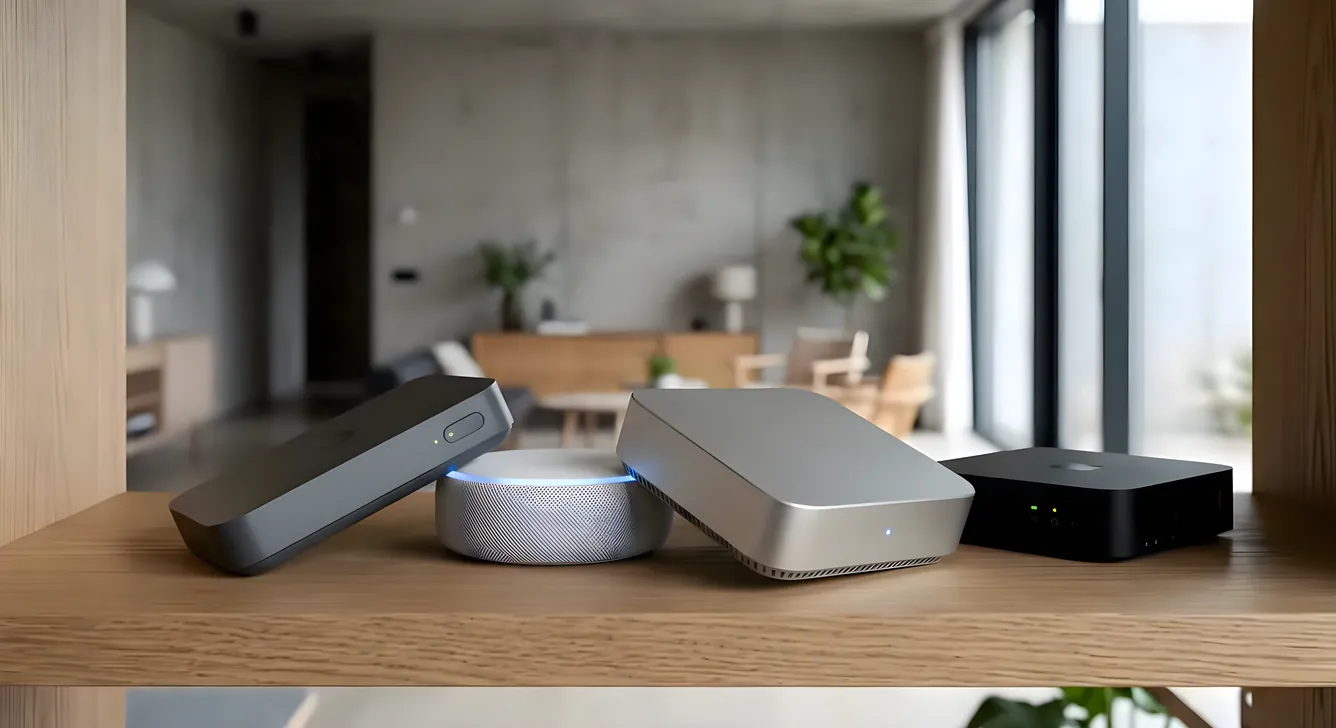
Choosing the best smart home hub is the decision that determines whether your automation works the way you imagined or sits half-finished in a closet. The hub is the brain of the system. Get it right and your lights, locks, thermostat, and audio all talk to each other without you thinking about it. Get it wrong and you’re restarting apps, re-pairing devices, and rebuilding automations every time a firmware update breaks something.
This guide is for homeowners doing actual research, not a casual buyer looking for the cheapest option. We’ll cover the full range from consumer-grade platforms that a homeowner can install over a weekend to professional systems installed by certified integrators that run entire estates. Costs are real. Limitations are honest.
See all our platform deep-dives if you want to drill into any system beyond what’s covered here.
What a Smart Home Hub Actually Does
A hub centralizes control and communication between devices that would otherwise not talk to each other. Your Philips Hue bridge speaks Zigbee. Your Schlage lock speaks Z-Wave. Your Nest thermostat speaks Wi-Fi. Without a hub, those are three separate apps. With the right hub, they’re one system.
There are three layers to understand before comparing platforms:
Protocol support determines which devices can physically connect. The major protocols are Z-Wave, Zigbee, Wi-Fi, Thread, and Matter. A hub that only supports Wi-Fi will never talk natively to a Z-Wave lock. Matter (ratified in 2022) was supposed to solve this fragmentation problem, but implementation is still incomplete across most platforms.
Logic and automation is where hubs diverge significantly. Some platforms let you write complex conditional rules: “If the outdoor temperature drops below 55 degrees AND it’s after 9 PM AND the guest room sensor shows occupancy, raise the heat to 68 and turn on the bedside lamp.” Other hubs give you simple if-then rules with no conditions. The gap between these two matters enormously in a real home.
Reliability and local processing is probably the most underappreciated factor. Consumer cloud-dependent hubs fail when your internet goes down. They also go end-of-life when the company stops supporting them (ask any Wink hub owner). Professional-grade systems run almost entirely local. That matters if you want your lights to still work when Comcast has an outage.
Consumer Hubs: Self-Installed, App-Dependent
Amazon Echo (Alexa) and Google Home
These are not hubs in the traditional sense. They’re voice-control platforms that have grown ecosystems around them. Both work well as the user interface layer for smart home control, but neither excels as the integration backbone.
Amazon’s Alexa Routines support multi-step automations and can trigger based on time, device state, and sensor readings. Google Home’s automation is simpler, and Google has repeatedly changed its developer APIs, breaking third-party integrations. Both rely heavily on cloud processing, which means a router-level internet outage breaks automations entirely.
For a small apartment or rental where you want basic light and thermostat control without wiring anything, these platforms work. For a 2,500-square-foot house where you’re serious about whole-home control, they hit a ceiling fast.
Cost: $50 to $250 for hub devices. No subscription required for basic features, though some Matter Bridge features and certain Alexa+ features are subscription-gated as of 2025.
Samsung SmartThings
SmartThings is the most capable consumer hub available for the price. The Aeotec Smart Home Hub (the OEM version of SmartThings hardware after Samsung spun off the brand) costs around $90 and supports Z-Wave, Zigbee, and Wi-Fi natively. Thread support arrived in 2024 with certain hub models.
SmartThings supports true multi-condition automation via its “Routines” editor. You can set conditions based on presence, time, sunrise/sunset offset, device state, and sensor readings. It’s not visual programming like Crestron or Control4, but it’s capable enough for the serious DIYer.
The platform runs some automation logic locally but remains cloud-dependent for setup, device discovery, and many automation types. Samsung’s track record on the platform has been inconsistent: the original SmartThings went through multiple platform migrations that broke automations for existing users. That history is worth weighing.
Cost: Aeotec hub $90. No monthly subscription for current features, though the roadmap is not guaranteed.
Apple HomeKit
HomeKit is the right choice if you’re already deep in the Apple ecosystem and primarily want voice control via Siri, a clean iPhone/iPad app, and access to the Home app across your devices. Apple HomePod (2nd generation, $299) or Apple TV 4K ($129 to $149) serve as Home hubs that run locally without requiring an iPhone to be present.
HomeKit’s strengths: privacy-focused design, rock-solid app quality, and reliable local processing for automations once configured. The automation logic is more limited than SmartThings but runs faster and more reliably.
HomeKit’s weaknesses: device selection is more curated and often more expensive. Integrations with non-HomeKit devices require bridges (like the Hue bridge for Philips bulbs, or a separate hub). And Siri remains a notch below Alexa and Google Assistant for natural language smart home commands.
We’ve published a full breakdown at Apple HomeKit: What It Does Well and Where It Falls Short.
Home Assistant
Home Assistant is the most powerful DIY platform available, and it’s free. It runs locally on hardware you own, supports over 3,000 integrations, and gives you full control over automation logic via YAML configuration and a visual editor. A used Intel NUC or Raspberry Pi 4 ($80 to $150 in hardware) running Home Assistant OS can replace a $300 hub with more capability.
The tradeoff is setup complexity and ongoing maintenance. Home Assistant is not plug-and-play. You’ll spend time learning, debugging, and updating. If your tolerance for that is high, the ceiling is nearly unlimited. If you want something that works without thinking about it, keep reading.
Professional-Grade Systems: Integrator-Installed, Purpose-Built
This is a different category entirely. These platforms are sold and installed exclusively through certified dealers and integrators. You don’t buy them at Best Buy. You hire a professional who designs, programs, and commissions the system for your home.
The upside: these systems work reliably, handle more devices and zones than any consumer platform, support commercial-grade audio and video distribution, and are designed for longevity. The downside: cost is substantially higher, and you’re dependent on your integrator for programming changes.
Control4
Control4 is the most widely deployed professional smart home platform in the $50,000 to $500,000 project range. The EA-1 controller starts around $500 MSRP (dealer cost, not retail) and scales up through the EA-3 ($1,200 MSRP) and CA-10 for larger homes. Most projects use multiple controllers.
Control4 supports Z-Wave, Zigbee, IP, serial, and IR natively. It integrates with over 14,500 third-party drivers covering virtually every device you’d want to control: Lutron Caseta and RadioRA 3, Sonos speakers, Ring doorbells, ecobee thermostats, Apple TV, Sony and Samsung displays, and hundreds more. When a device isn’t natively supported, a driver usually exists from the dealer community.
Programming is done by your integrator using Composer Pro software. You don’t have access to the programming environment directly, which matters because any change to your system requires contacting your dealer. Some dealers charge $150 to $300 per programming visit or remote session.
Total project costs for a mid-size home (2,000 to 4,000 square feet) typically run $20,000 to $60,000 fully installed, including equipment, labor, and commissioning. That range is wide because audio distribution, motorized shading, and advanced video systems add significant cost.
For a full breakdown of what Control4 costs at different project sizes, see our Control4 Smart Home System: Complete Buyer’s Guide.
Savant
Savant targets the high-end residential market and has a reputation for best-in-class user interface design. The Savant app is genuinely beautiful, and the remote control options (including the Pro Remote X2) are the best physical controls in the residential market.
Where Savant differentiates from Control4: tighter integration with Apple products, a more polished client-facing interface, and a strong position in the luxury audio-video market. Savant’s Power Management systems also include energy monitoring and backup power management, which appeals to homeowners with solar or battery storage.
The programming model is similar to Control4: integrator-programmed, dealer-dependent for changes. Device integration library is smaller than Control4’s but covers all major categories.
Project costs start around $30,000 for a modest implementation and scale into six figures for large estates. This is not a budget platform. You’re paying for polish and support from certified dealers who specialize in the high end.
We cover costs and use cases in depth at Savant Smart Home: What It Costs and What You Get.
Crestron
Crestron is the oldest and most feature-complete platform in this category, built originally for commercial environments. It runs in hotels, boardrooms, hospitals, and large residences worldwide. The Crestron Home platform (launched 2019) is a simplified residential version, but most serious Crestron installations still use the full programming environment.
Crestron’s strengths are reliability, customization, and enterprise-grade technical support. Crestron 4-Series processors handle massive systems: thousands of I/O points, dozens of zones, complex conditional logic that rivals custom software. A CP4-R processor runs around $3,000 MSRP and can control an entire estate from a single device.
The tradeoff is cost and programmer dependency. Crestron programming is highly specialized. There are fewer certified Crestron programmers than Control4 dealers, which means finding good integrators in some markets is harder, and rates are higher. Full programming for a large Crestron system can cost $15,000 to $40,000 in labor alone.
For homeowners who want the absolute ceiling of custom control, Crestron is the answer. For everyone else, it may be more than the job requires. See Crestron Home Automation: Enterprise-Grade for Residential for a full cost and capability breakdown.
Josh.ai
Josh.ai deserves a mention in any hub comparison because it solves a specific problem that other platforms handle poorly: natural language voice control that works without sending everything to Amazon or Google.
Josh is a voice AI platform, not a full hub. It connects to your existing automation system (Control4, Crestron, Lutron, Savant) and adds an on-premises voice control layer that processes commands locally. No cloud dependency, no data sent to third parties, no ads-trained AI learning your household habits.
If privacy is a serious concern and you want voice control that feels like talking to a person rather than issuing commands to a machine, Josh.ai is worth the $499 annual subscription (or $999 for lifetime). It’s particularly popular in high-end residential installations where the homeowner wants Alexa-level convenience without Alexa-level surveillance.
Full breakdown at Josh.ai: The Privacy-First Voice Control System.
Lutron: The Lighting and Shading Standard
Lutron isn’t a full home automation hub. It’s a lighting and shading control platform, and it’s the best one that exists. Nearly every professional integrator, regardless of which hub platform they use (Control4, Crestron, Savant), integrates Lutron for lighting and motorized shading.
Lutron RadioRA 3 (the current flagship residential system) uses a proprietary clear connect RF protocol that is more reliable than Z-Wave or Zigbee. The RA3 main repeater runs around $350 MSRP. Keypads range from $80 for basic models to $400 for engraved, custom-face Satin Colors keypads.
For a mid-size home with 40 dimmers and 12 shades, a Lutron lighting system typically runs $8,000 to $18,000 installed. It’s not cheap, but reliability is extraordinary. Lutron timers and dimmers don’t go offline. They don’t need firmware updates to keep working. They just work.
Lutron Caseta is the consumer version: compatible with Alexa, Google, HomeKit, and SmartThings, with a smart bridge at $79. Caseta is a genuinely excellent entry-level system for homeowners not ready for full integration.
How to Choose: A Practical Framework
The right hub depends on answers to four questions:
How much of this will you configure yourself? If you want to do the research, buy the hardware, and do the programming yourself, Home Assistant gives you the most capability for the lowest cost. If you want to hire a professional and have the system just work, Control4 or Savant are the right conversation to have.
How many devices and zones are you controlling? Under 20 devices and 3 to 4 rooms: SmartThings or HomeKit handle it. 20 to 100 devices across a full home: SmartThings at the high end, or a professional system if budget allows. 100-plus devices, multi-zone audio, motorized shading, and home theater: professional system, full stop.
What is your actual budget? Consumer self-installed systems run $500 to $3,000 in hardware. Professional systems start around $15,000 installed and scale from there. There’s no professional-quality system for $5,000. Budget expectations that don’t match market reality lead to bad decisions.
How important is reliability versus features? Consumer platforms add features constantly but also change, break, and discontinue. Professional platforms change slowly, charge for everything, but work reliably for a decade. Your choice should reflect how much tolerance you have for managing your own system vs. paying for stability.
The Honest Answer on “Best”
There is no single best smart home hub. There’s the best hub for your situation.
For a renter or small home: Amazon Echo, Google Home, or Apple HomeKit. Keep it simple.
For a serious DIYer with a single-family home and patience for a learning curve: Home Assistant on local hardware.
For a new construction or major renovation where you’re already investing in audio, shading, and security: Control4 or Savant installed by a certified integrator. The investment pays back in reliability and the daily experience of a system that works without thinking about it.
For a large estate or someone who wants truly custom control with no compromises: Crestron, programmed by a specialist.
The conversation worth having is not “which hub is best” but “what does my home actually need and what am I willing to invest?” Start there and the right platform becomes obvious.